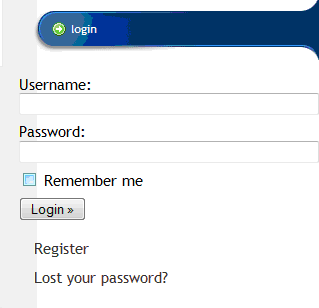
To use the tenant directory you will need to first login using your CDARPO.org username and password. You can find the login form on any of the pages within the CDARPO.org website on the left hand side of the page.
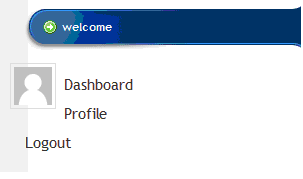
Once you have logged in the login form will change to a welcome area with 2 options. The Dashboard option will bring you to the system dashboard where you have access to change user profile setting and also this is where you will find the CDARPO tenant directory.
By putting your mouse over the CDARPO menu item on the left hand side of your dashboard you will see the following options.
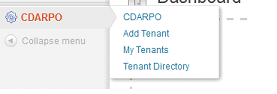
The add tenant option will bring you to a form that will allow you to enter the tenants name. Once you have entered the name you can click on the Add Tenant button to add the tenant to the system.

The my tenants option will allow you to view all of the tenants that you have added to the system and also allow you to delete these tenants if you would like to remove someone that you have entered into the system.

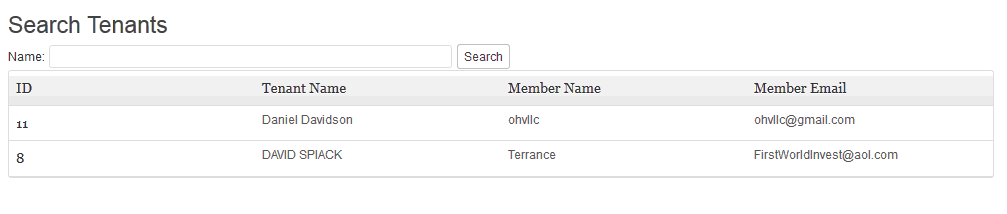
The tenant directory option is where you will be able to search the tenant’s directory by the tenant’s name.
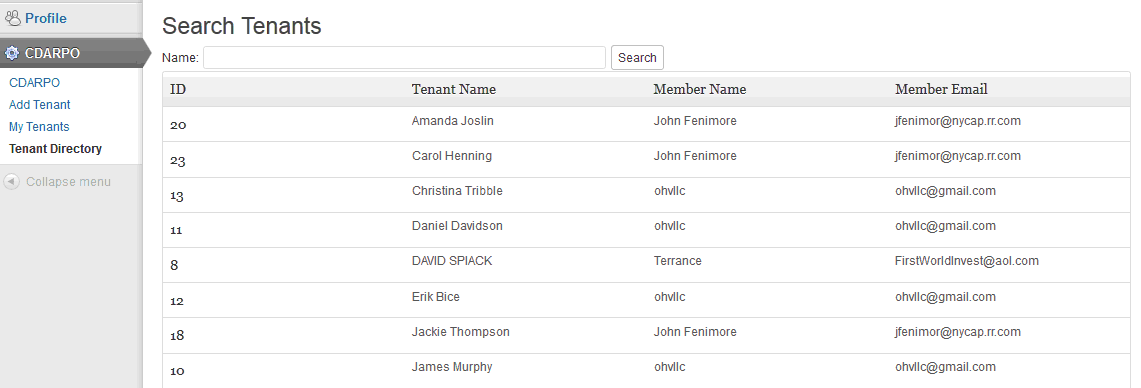
The search will look in both the first and last name so if you look for David you will see it pulls up 2 tenants.